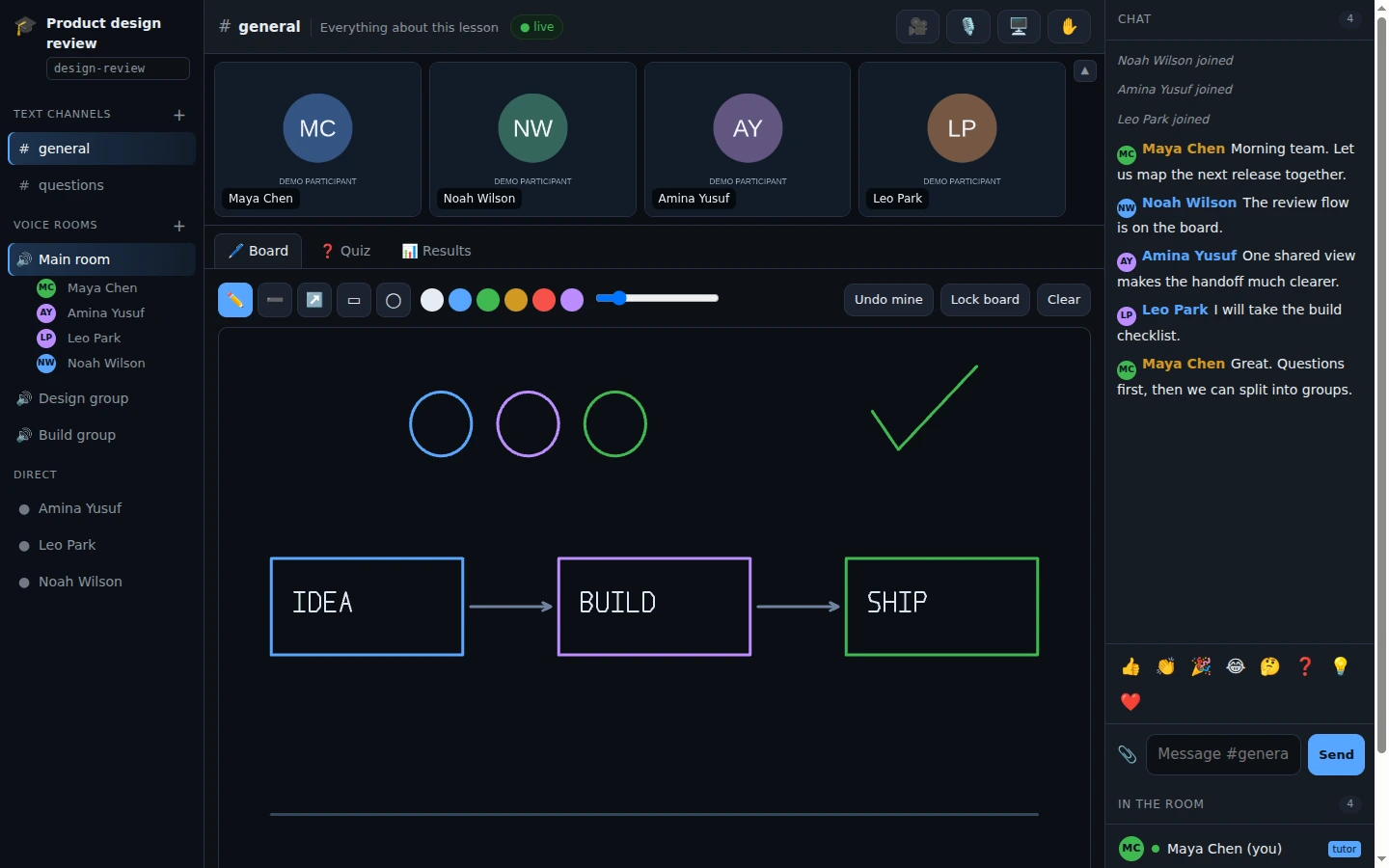
Built on Messaging Platform

Useful apps. Great games.
Better together.

Thirteen apps for work, play and events, each one honest about what it keeps on your machine and what it never sees. Pick by what you need to do.

PLAY TOGETHER / PARTY ARCADE

One party code.
A whole game night.

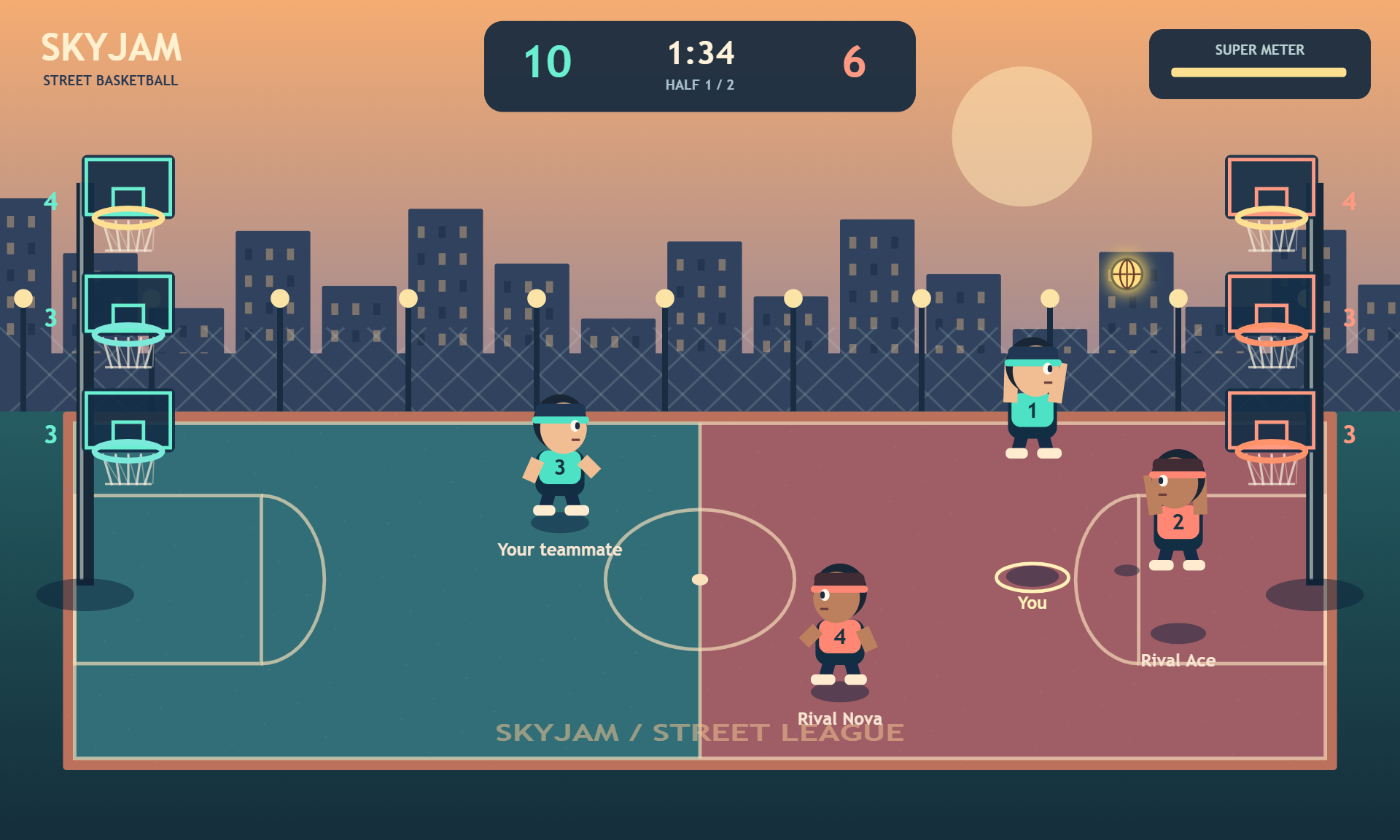
12 browser games, from arcade action to drawing and strategy. Pick a nickname, create a party and share the code. No account required.

Touch, mouse and keyboard controls. AI players in supported games. Player counts vary by game.

Basketball gameplay in Party Arcade12 games · Play in your browser

Share

Share a file. Solve a problem.

A direct way to get something to somebody, with nothing left on a server.

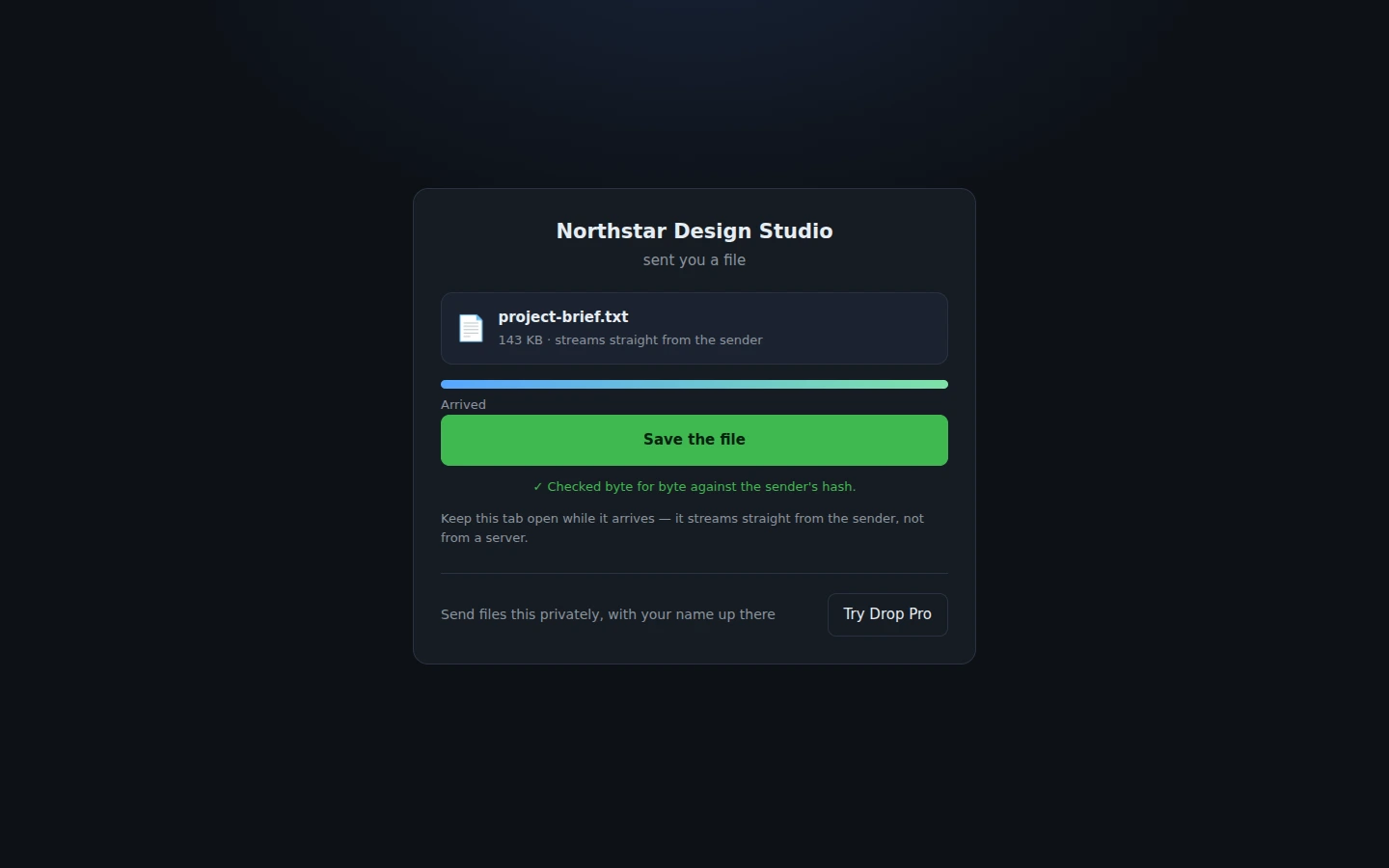
Drop Pro showing a sample file offered and verified locally using demonstration data.
Demo workspace — sample data Full-size image

Drop Pro

Product · File sharingFree

Send a file straight from your browser to theirs.

  • Direct transfer
  • Verified on arrival

Before you start Both browsers must stay open. One file per transfer; folder uploads are not supported.

Explore Drop Pro
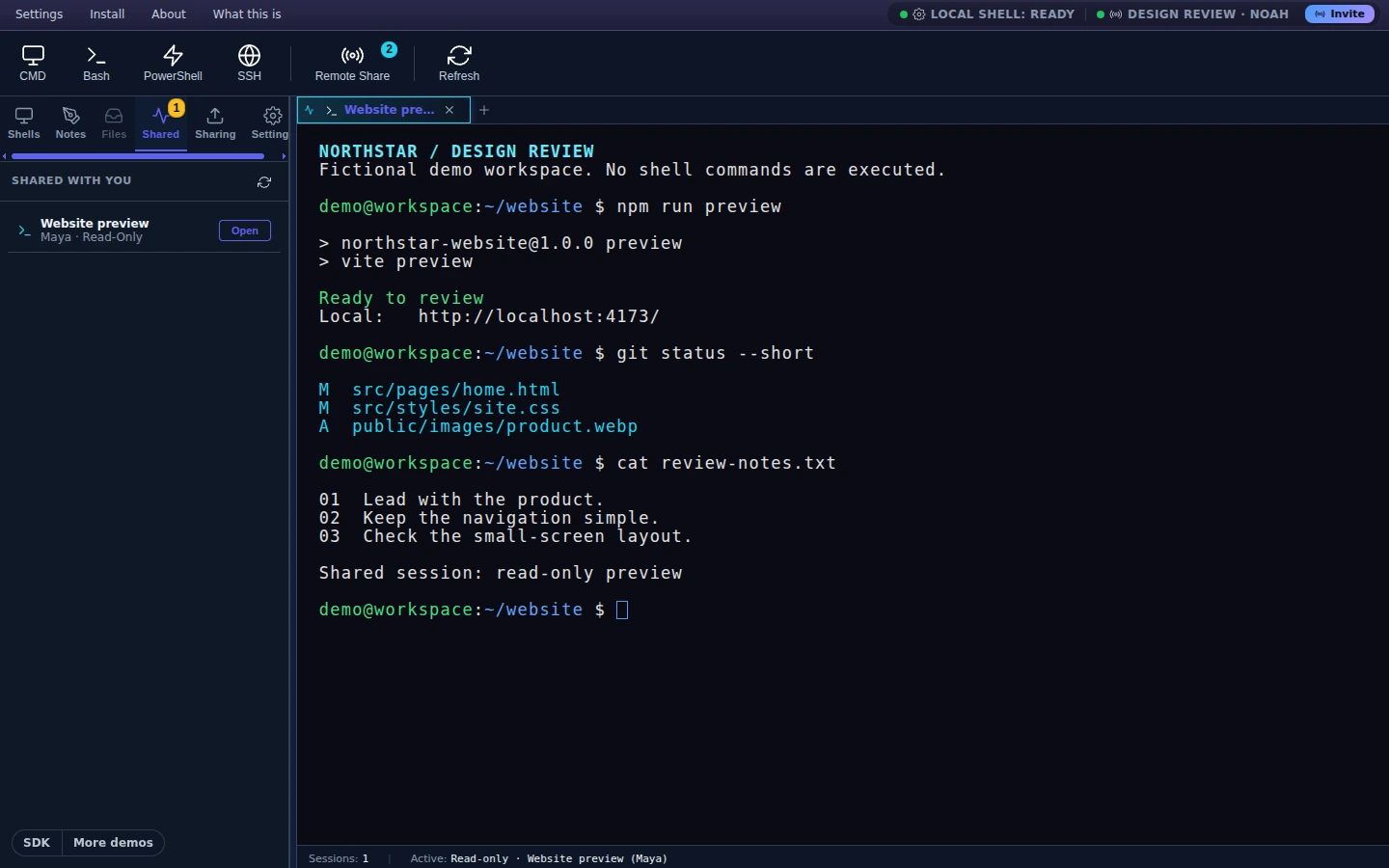
Shared terminal with harmless sample commands and collaboration controls.
Demo workspace — sample data Full-size image

CoShell

Product · Developer toolsFree

Work through a problem on the same terminal.

  • Shared shell and files
  • Control stays with the host

Before you start Run the helper on your machine. Anyone granted control can run commands with your permissions.

Explore shared terminal

Show

Show what you're building.

Let a guest use the app on your machine in their browser — an open link, or approval of each visitor, in one app.

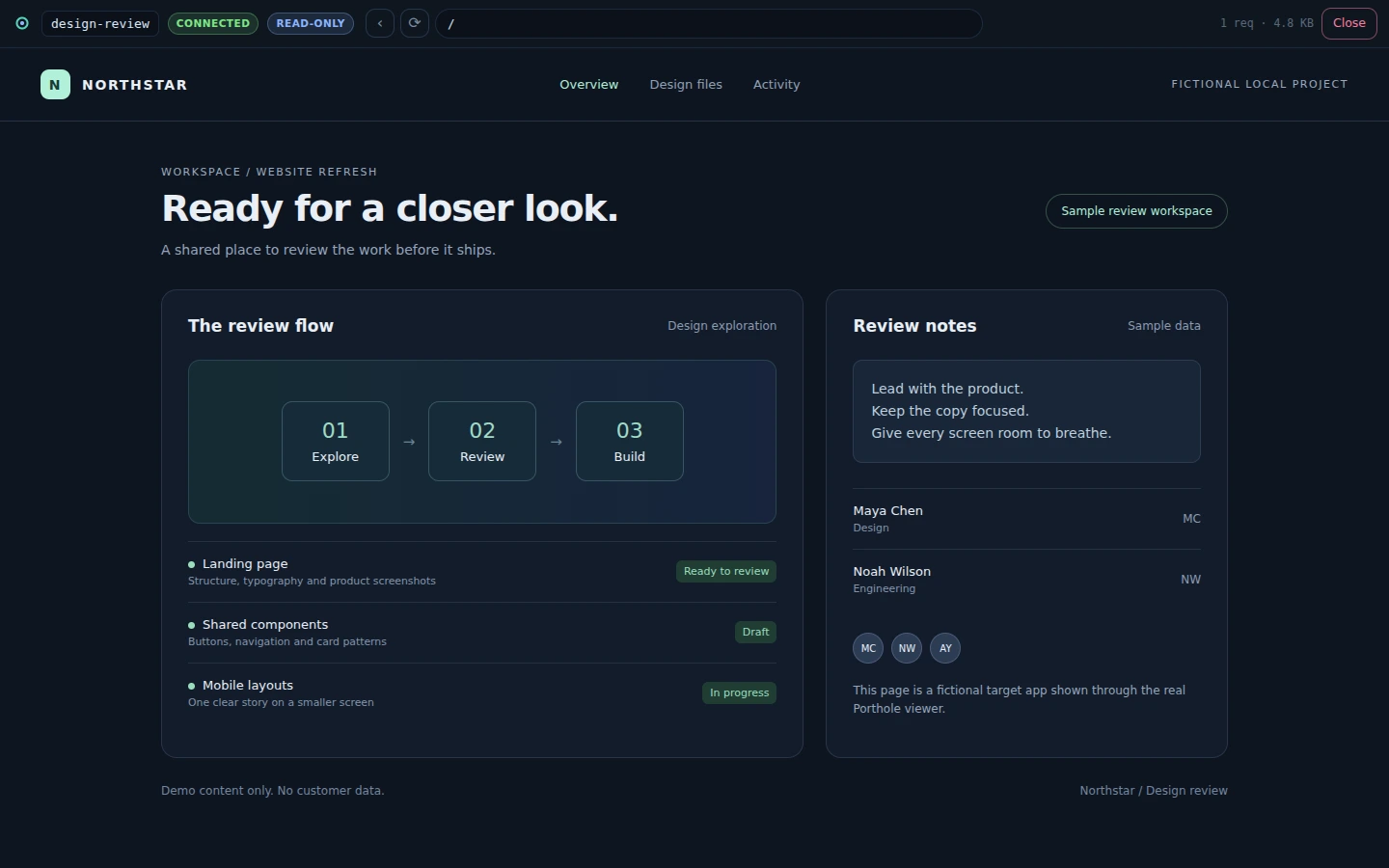
Porthole guest viewer displaying a fictional local application.
Demo workspace — sample data Full-size image

Porthole

Product · Share by link, or approve each visitorFree

Demo a local app without deploying it — to anyone with the link, or only to the people you let in.

  • Instant: open link
  • Review: read only
  • Approval: you admit each viewer

Before you start Run the local agent. An open link reaches every path on the shared app, including admin pages, unless you limit it with --allow / --deny. The approval and review modes with an audit file are the licensed part (formerly Backstage); without a licence they still run, and the log says so.

Explore Porthole
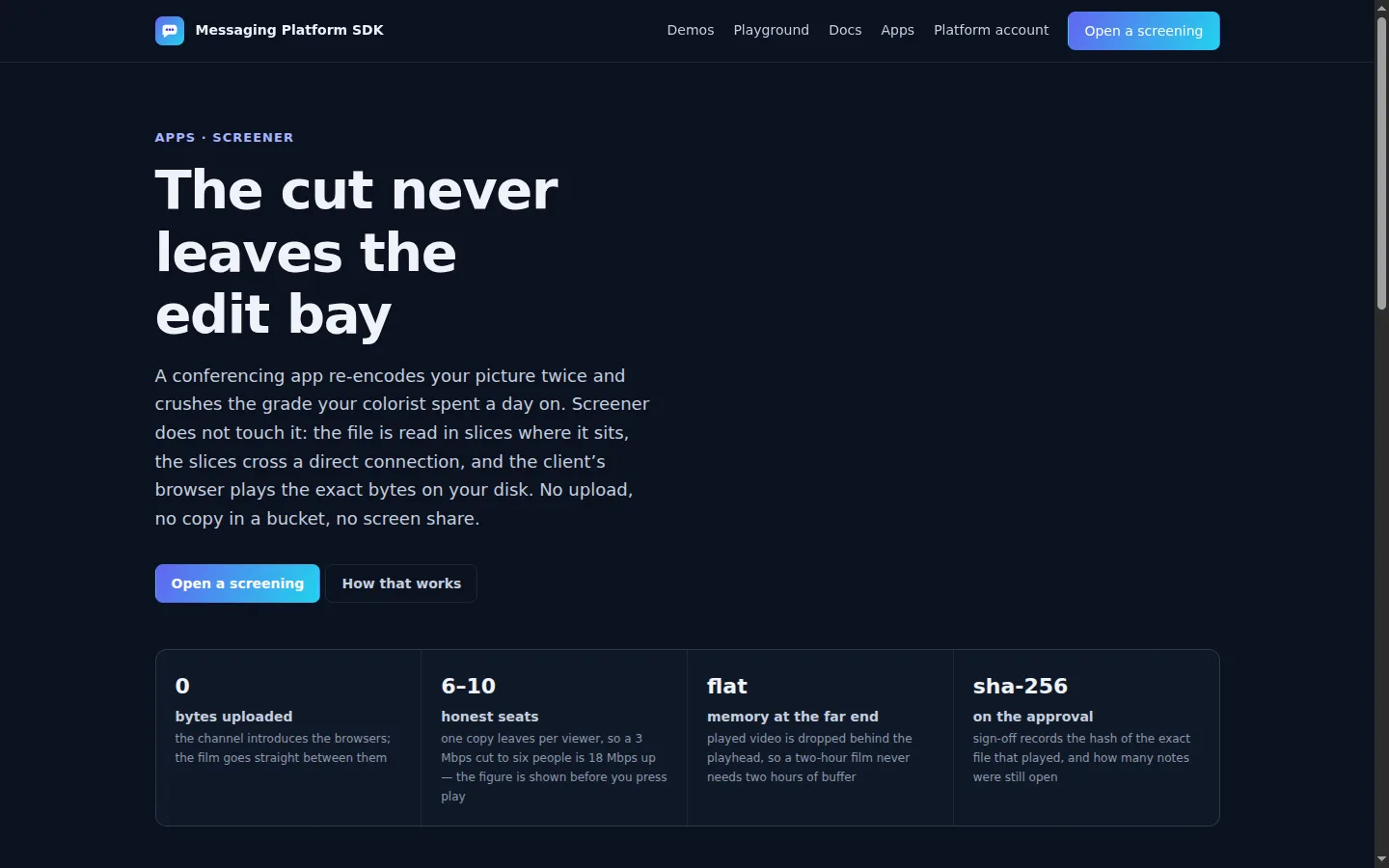
Screener feature page describing a cut streamed from an edit bay to client seats.
Demo workspace — sample data Full-size image

Screener

Product · Video reviewCommercial

Screen a cut without uploading it.

  • No upload, no re-encode
  • Approval you can verify

Before you start WebM and fragmented MP4 stream as they are; an ordinary MP4 is refused with the one-line command that converts it. Six to ten seats, because one copy leaves per viewer.

Explore Screener

Prove

A record that cannot be quietly rewritten.

Consent, handovers and inspections sealed into receipts anyone can verify and nobody can edit — us included.

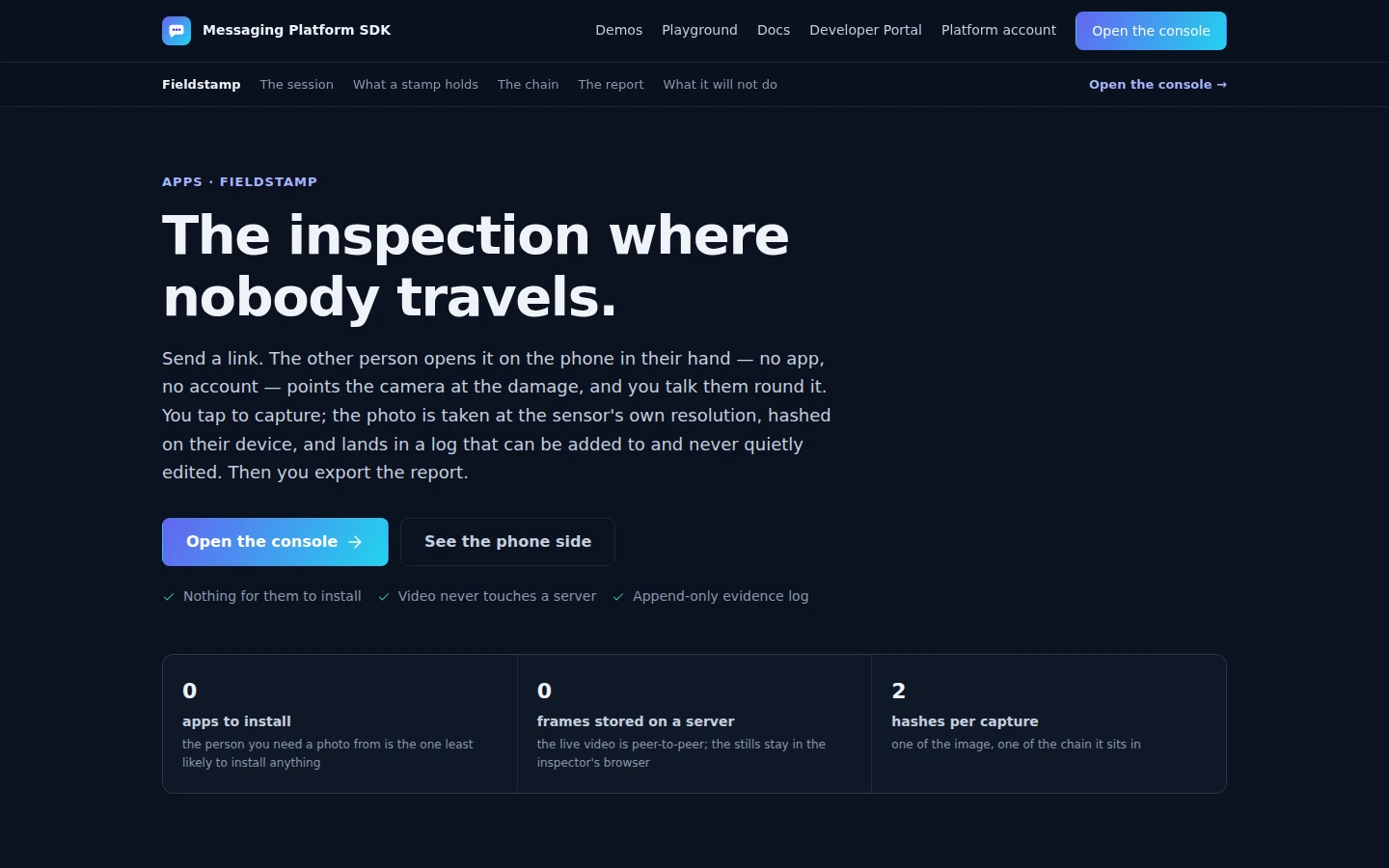
Fieldstamp feature page describing a remote inspection and its evidence log.
Demo workspace — sample data Full-size image

Fieldstamp

Product · InspectionCommercial

Send a link and the other person points their phone camera at what you need to see.

  • Nothing to install
  • Append-only evidence log

Before you start The live video is peer-to-peer and never recorded. Full-resolution photos stay in the inspector's browser and in the exported report.

Explore Fieldstamp
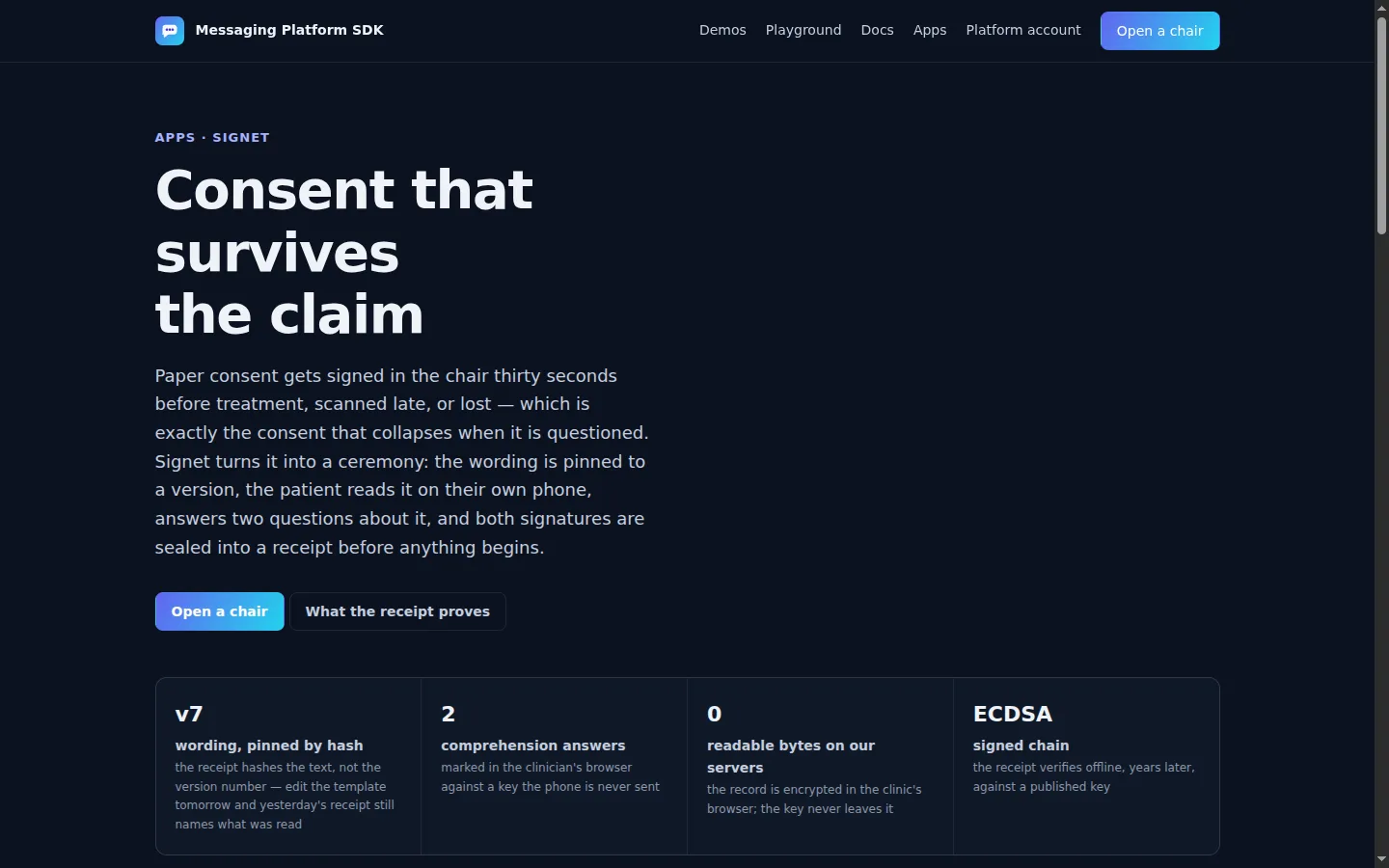
Signet feature page describing a consent ceremony with pinned wording and a sealed receipt.
Demo workspace — sample data Full-size image

Signet

Product · Consent and evidenceCommercial

Informed consent as a ceremony.

  • No account for the patient
  • Receipt anyone can verify

Before you start The record is encrypted in the clinic's browser and the key never leaves it — lose the key and the record cannot be read by anyone, including us.

Explore Signet
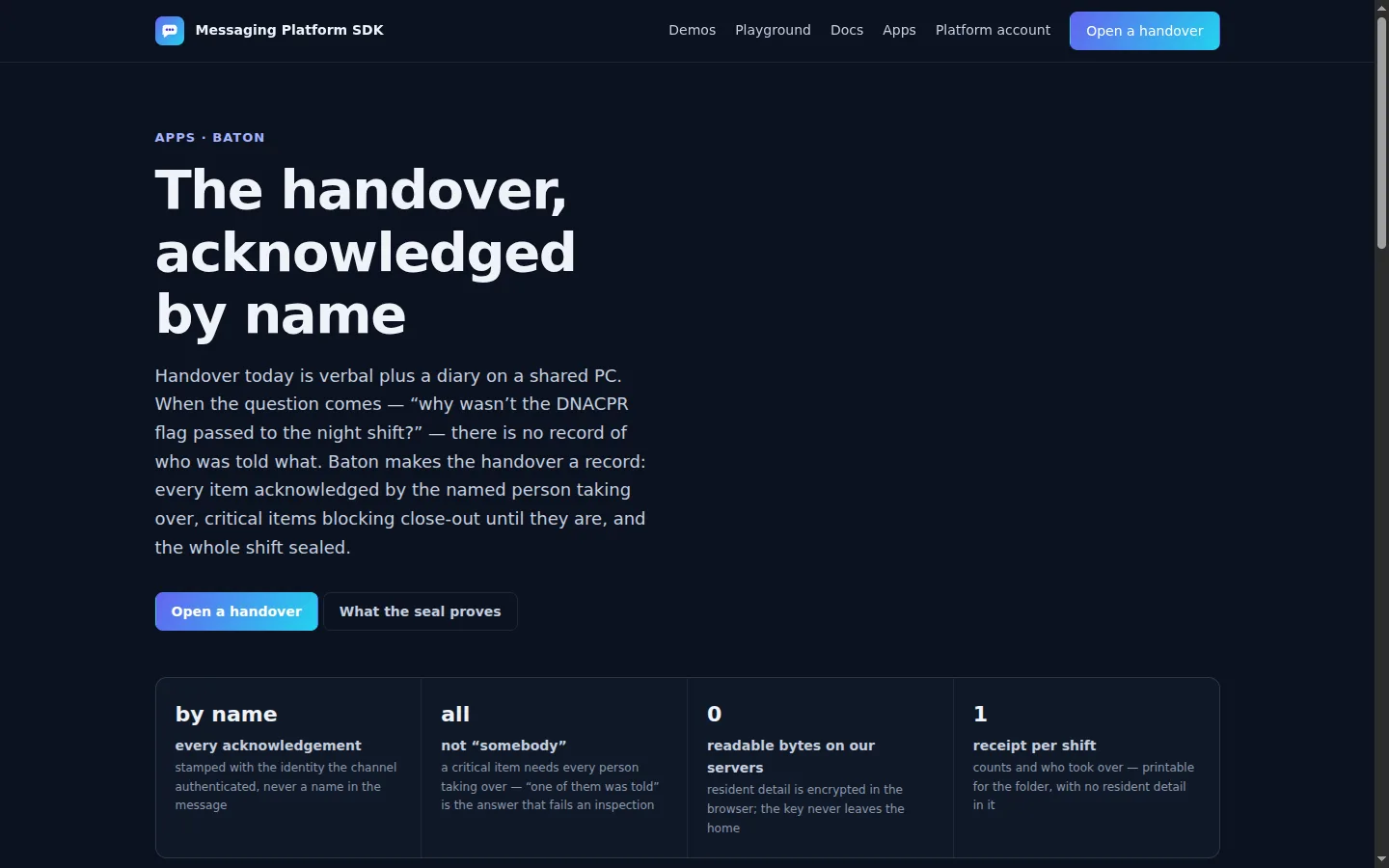
Baton feature page describing a shift handover acknowledged by name.
Demo workspace — sample data Full-size image

Baton

Product · Consent and evidenceCommercial

Shift handover as a record.

  • Acknowledged by name
  • Agency staff need no account

Before you start The board is encrypted in the lead's browser. The shift lead's device owns it — there is no host failover, so seal before you leave.

Explore Baton

Doors

The door, and who comes through it.

A doorbell that reaches a phone in a pocket, and a scanner that keeps working when the venue’s network dies.

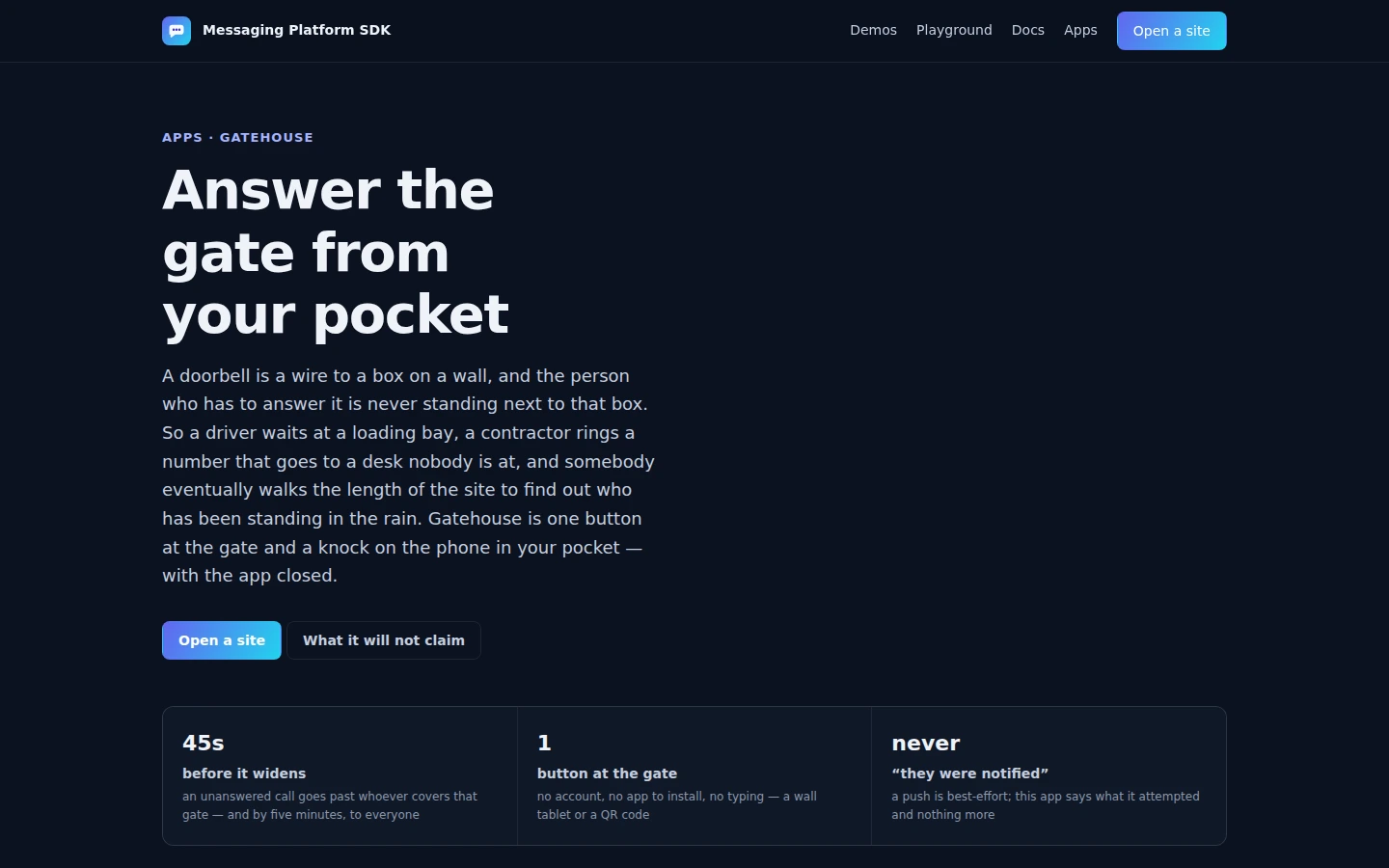
Gatehouse feature page describing a gate button that knocks a phone in a pocket and widens to the rota if nobody goes.
Demo workspace — sample data Full-size image

Gatehouse

Product · OperationsCommercial

A doorbell for a door nobody is standing at.

  • Reaches a closed browser
  • Escalates on a clock

Before you start It never claims anybody was notified — a push is handed to the browser’s own service and nothing reports back, so the console says sent, not delivered. iOS needs the page added to the Home Screen first.

Explore Gatehouse
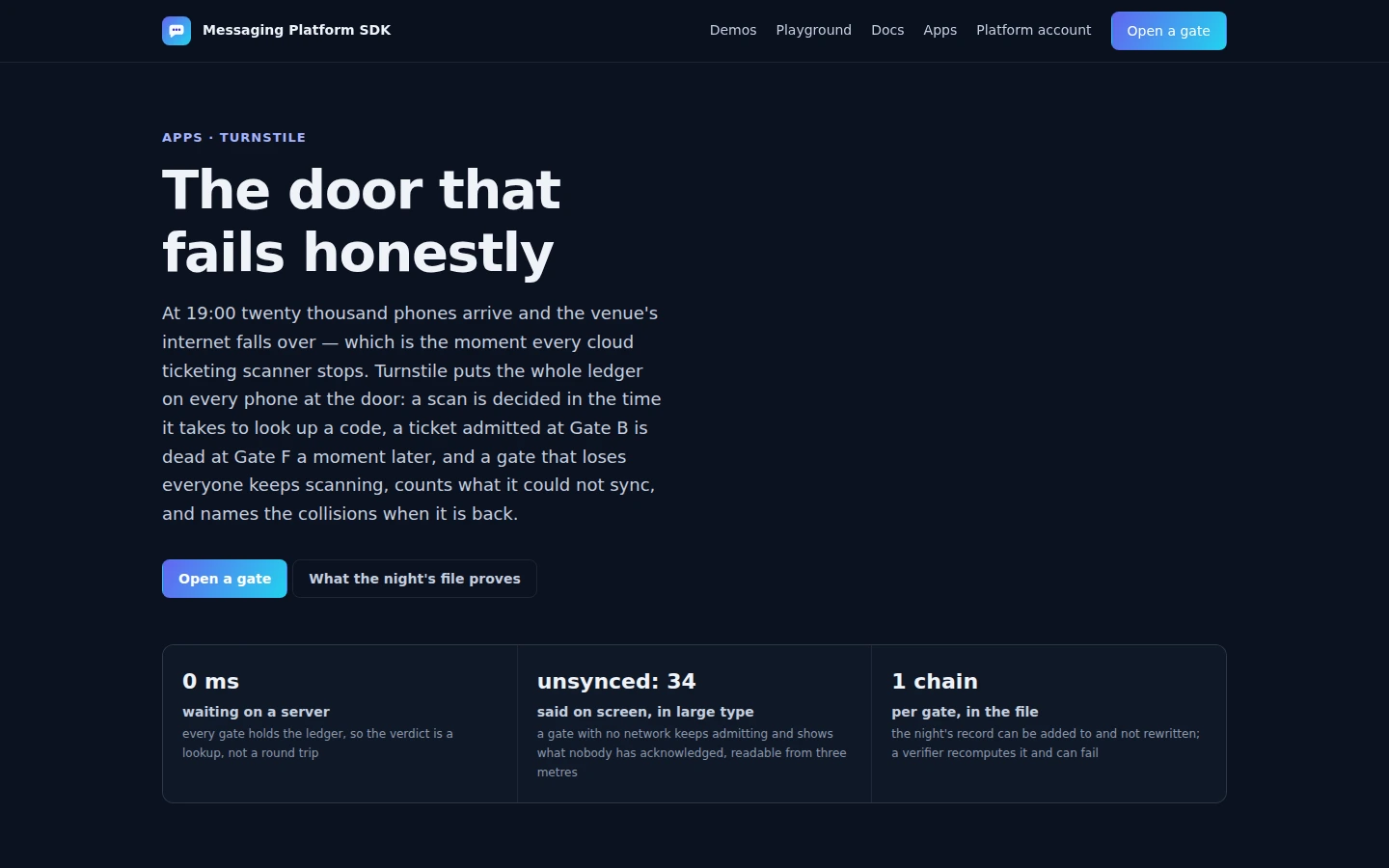
Turnstile feature page describing a scanner on any phone that keeps admitting when the network dies and names the collisions it could not catch.
Feature page Full-size image

Turnstile

Product · Doors and evidenceCommercial

Any phone is a scanner.

  • Scans with no network
  • Names what it missed

Before you start The ledger survives the network dying; it does not survive a steward pocketing the phone. The barcode reader is the browser’s own where it has one — the keyboard is always a scanner.

Explore Turnstile

Run an event

A room scans a code and lands in their browser.

Polls, a quiz and moderated questions from one console, with the sponsor on every screen.

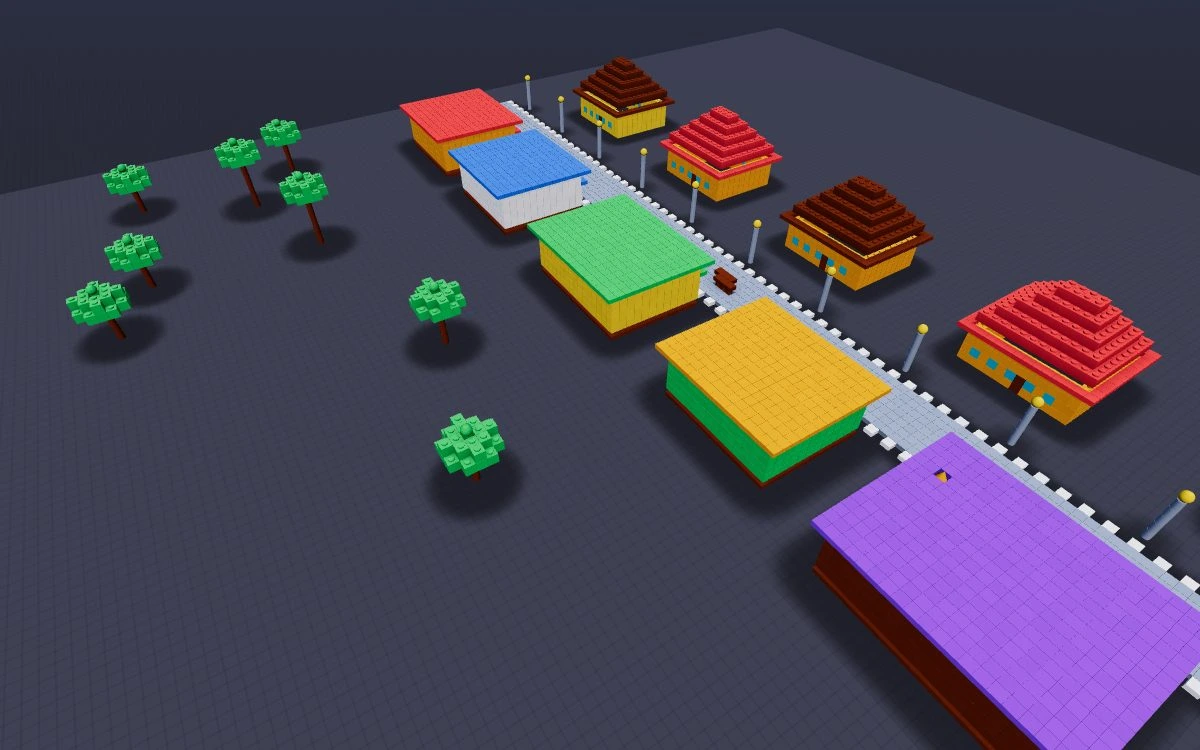
A colorful shared voxel town in BlockParty.
Live multiplayer game Full-size image

BlockParty

Product · Social gamesFree + Host Pass

One link starts a multiplayer voxel party.

  • Guided Party Night
  • 15 game modes
  • Persistent worlds

Before you start Everyone joins free. The room host keeps the authoritative score and world; closing every browser ends live play.

Explore BlockParty
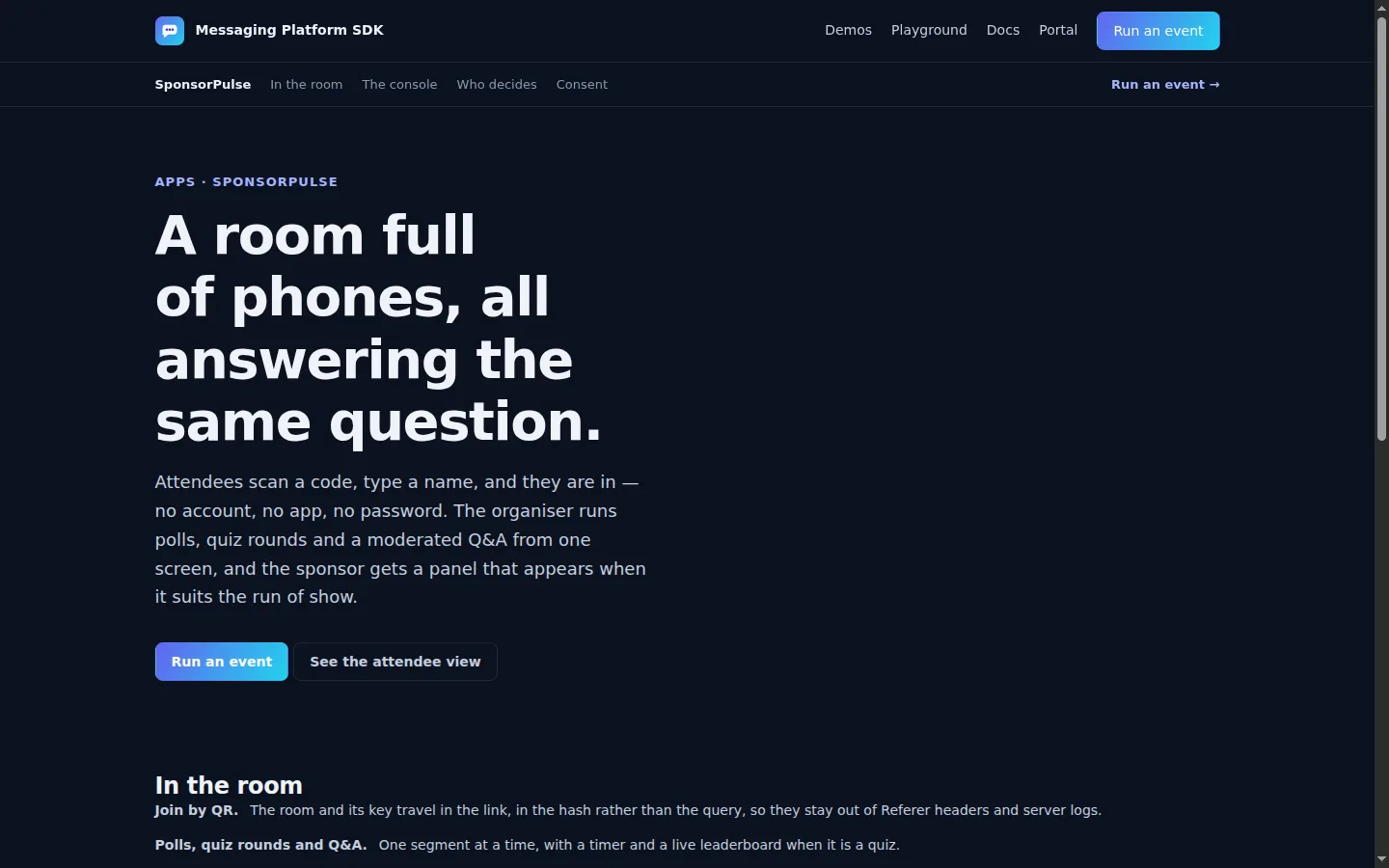
SponsorPulse feature page describing branded polls, a quiz and moderated questions.
Demo workspace — sample data Full-size image

SponsorPulse

Product · EventsCommercial

A room scans a code and lands in their browser.

  • No attendee sign-up
  • Organiser holds the tally

Before you start The console is the authority, so an event lasts as long as its tab. Export before you close it. Up to 500 attendees.

Explore SponsorPulse

Play

One party code. Twelve ways to play.

Pick a nickname, invite friends, and turn a quick round into a mini-game cup.

Party Arcade

Product · Browser mini-games

Create a private party or join with a code. Compete in quick rounds, work together in cooperative games, or play a multi-game cup with friends and AI players.

  • 12 games
  • Guest nicknames
  • AI players
  • Keyboard and touch controls
  • Multi-game cups
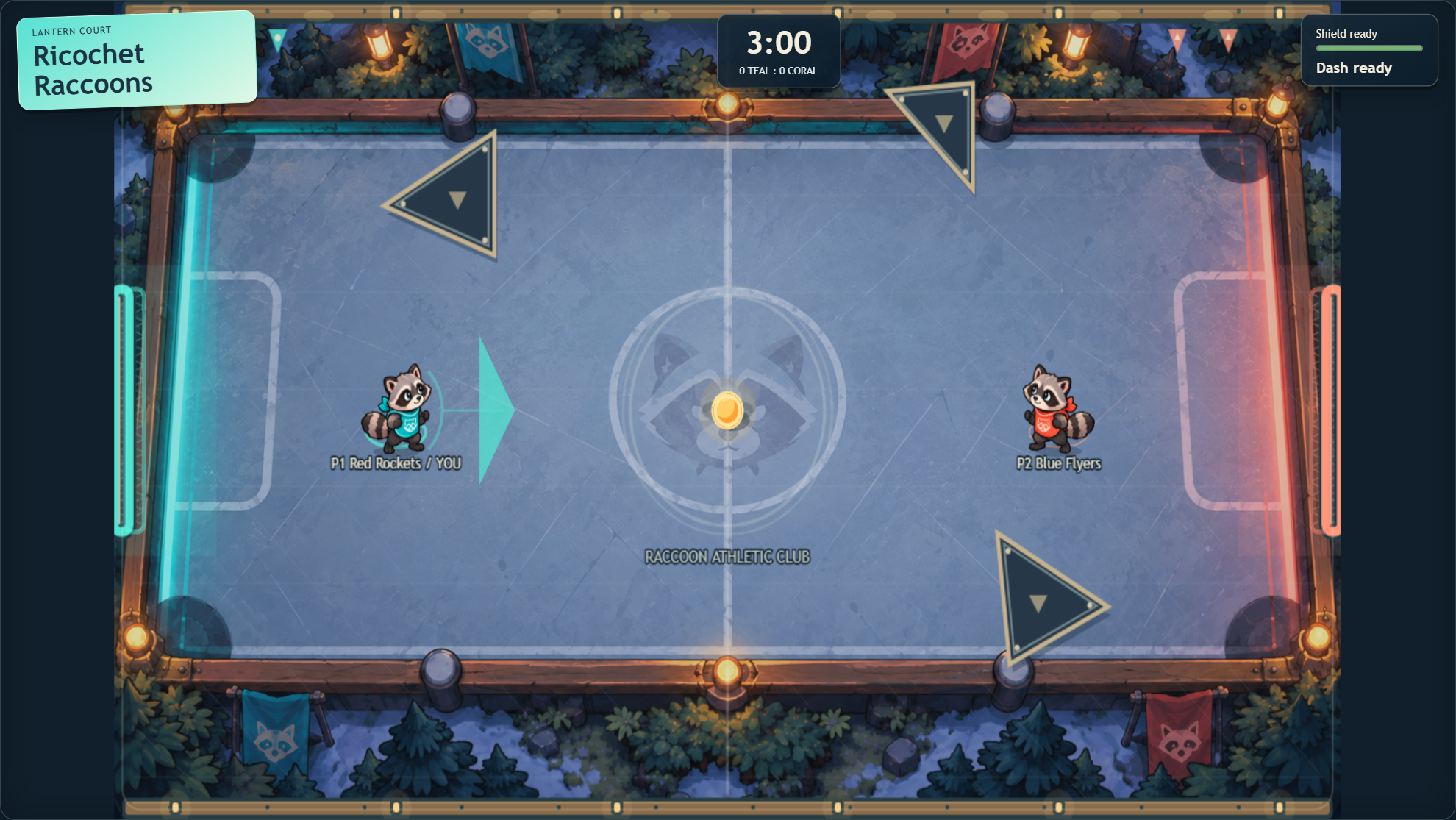
  • Ricochet Raccoons: Dash, defend and knock the puck into the other team's goal.
  • Floor Is Confetti: Collect stamps and race to the gate across disappearing tiles.
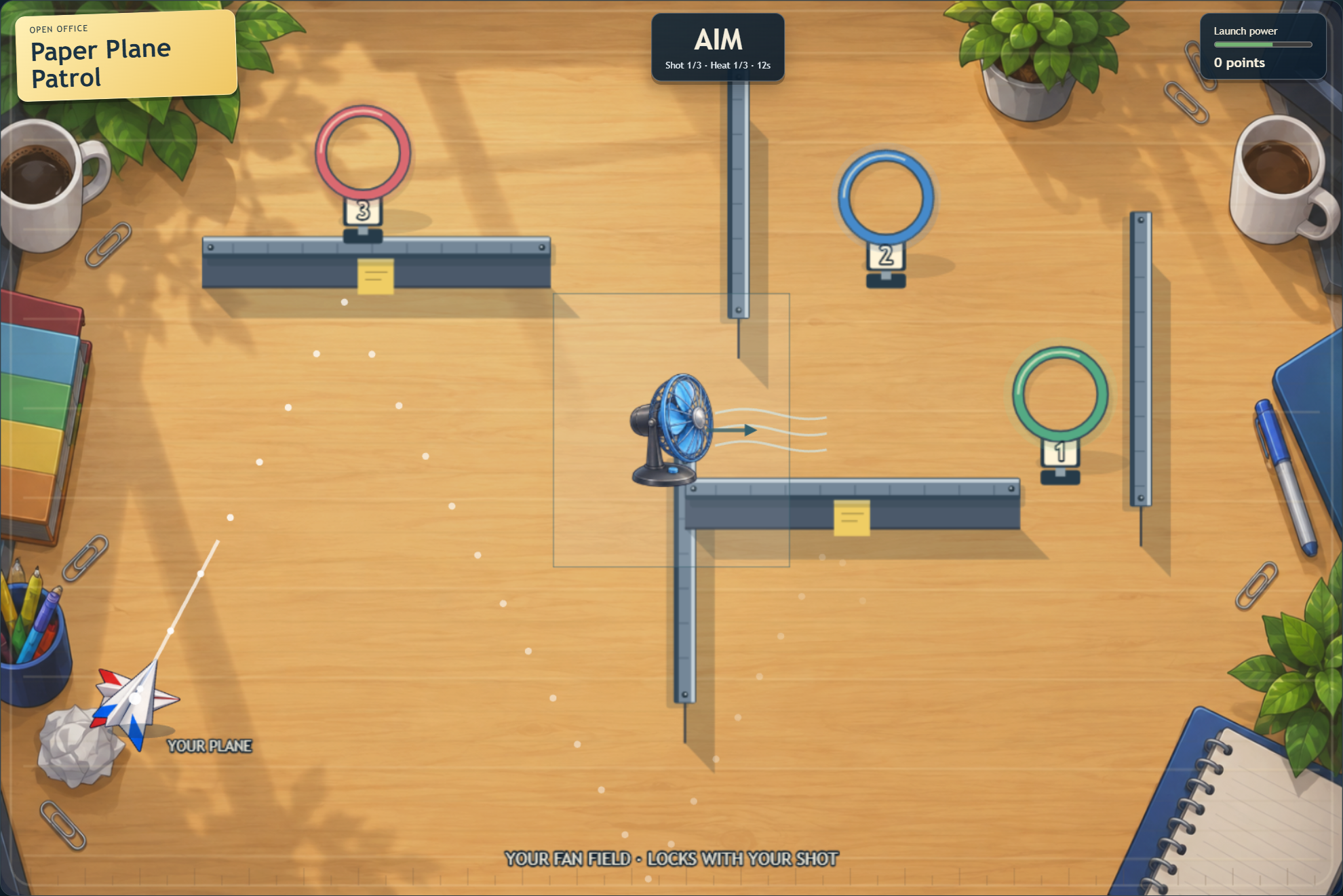
  • Paper Plane Patrol: Aim your paper plane through hoops with carefully chosen launch power.
  • Bubble Couriers: Work together to guide floating parcels into delivery zones.
  • Shadow Shuffle: Follow a director's clues to arrange your team into a hidden silhouette.
  • Magnet Mailroom: Push and pull mail through obstacles to deliver it as a team.

Before you start No Google login is needed to play. A Messaging Platform account is optional for saved channels, not saved match progress. Player limits vary by game, up to eight; Magnet Mailroom supports up to four. AI players are available in five games; Shadow Shuffle needs human players. Keep an internet connection for live play.

Play Party Arcade

Platform utility

Check from where you are.

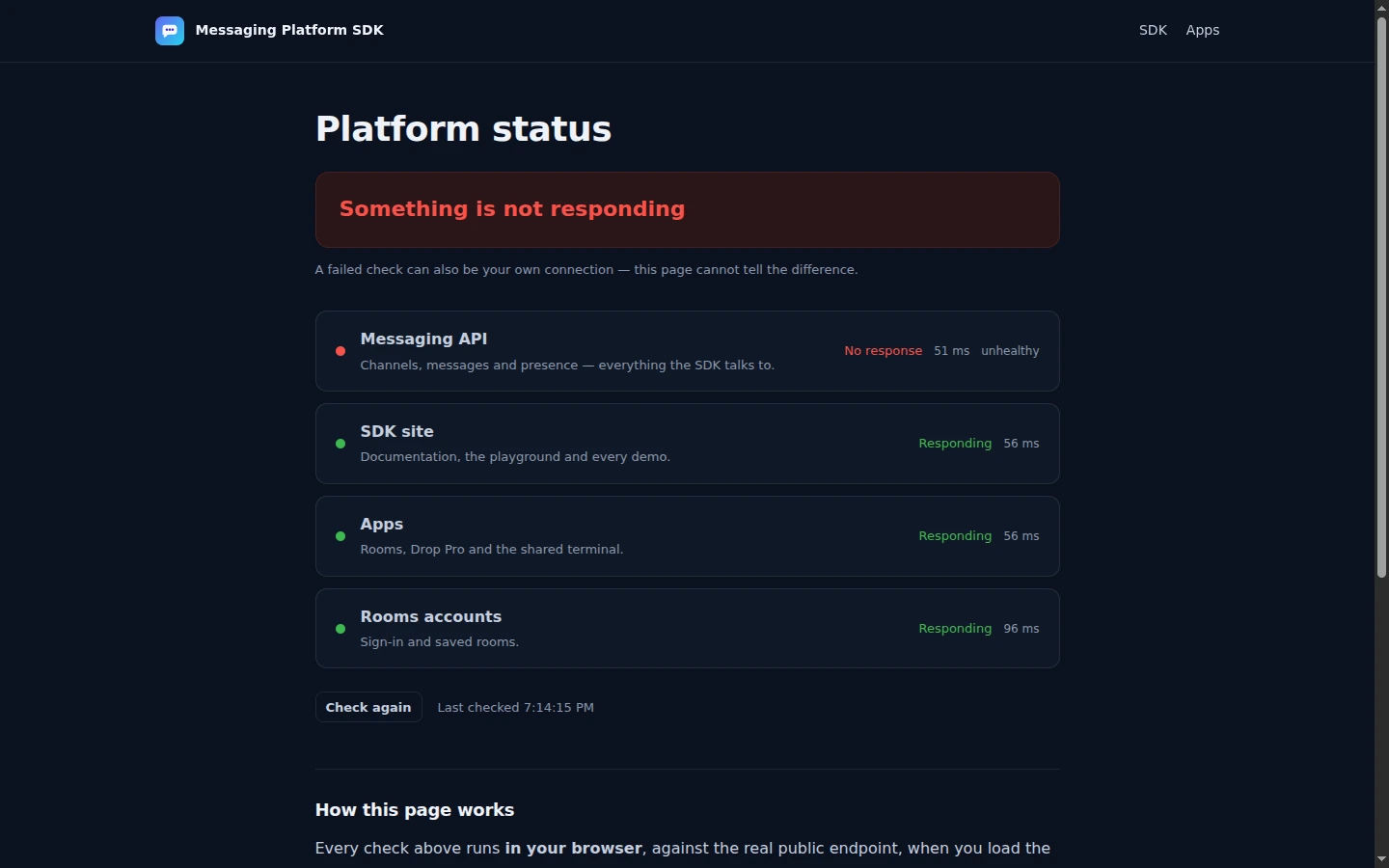
Platform status

Test the public messaging API, SDK site, apps and Rooms account service directly from your browser.

What the result means A check reports reachability now, not historical uptime. A failure may be the service or your connection.

Open the status page
Recorded screenshot of the public platform status page. This image is not a live status indicator.
Captured 28 Aug 2026, 19:14 UTC — not a live status indicator Full-size image

For developers

Build your own shared experience.

Your backend uses its developer API key directly when it calls the platform. When a signed-in browser needs its own connection, the backend returns a short-lived temporary key instead—so the developer key never reaches the frontend.

See the secure key handoff
your backend · the developer key never leaves it
// The developer key stays here. It may call platform APIs directly.
// This route mints a temporary key only for an authorised browser connection.
app.post('/api/messaging-access', requireSignedInUser, async (req, res) => {
  const platform = await fetch('https://hmdevonline.com/messaging-platform/api/v1/messaging-service/channels/api-access', {
    method: 'POST',
    headers: { 'Content-Type': 'application/json', 'X-API-Key': process.env.MESSAGING_PLATFORM_API_KEY },
    body: JSON.stringify({ ttlSeconds: 30, singleUse: true })
  });
  const body = await platform.json();
  const access = body.data;
  if (!platform.ok || !access?.temporaryKey) return res.status(502).json({ error: 'Could not create messaging access.' });
  res.set('Cache-Control', 'no-store');
  res.json({ temporaryKey: access.temporaryKey, expiresAt: access.expiresAt });
});
Release notes10 shipped updates · 27–28 August 2026

What has shipped, newest first.

  1. Porthole and Backstage published. The host agent's request handling was read first: a guest controls only the path, never the host, so a shared link cannot be turned into a probe of the sharer's network.
  2. Rooms shows who is joining. Arrivals and departures are announced in the channel, everyone has an avatar, and leaving is told apart from losing connection.
  3. Rooms channels rebuilt in the same visual grammar as the Harmony client — voice rooms now list who is in them.
  4. Sign in with Google added to Rooms, alongside email and a password reset flow.
  5. Every app moved off a shared API key. Each now has its own metered tenant and hands the browser a fifteen-minute token instead of shipping a permanent one in its source.
  6. A three-minute bug fixed. Sessions expired mid-conversation because only the HTTP path refreshed them; a room now survives as long as anybody is talking.
  7. Drop Pro published — direct browser-to-browser file transfer, hashed on both ends and refused if it does not match.
  8. Rooms published with accounts, saved rooms and invite links.
  9. Status page published. Every check runs in the visitor's own browser, so it cannot report health it does not have.
  10. Harmony's backend — the Discord-style server behind an unpublished client — passed nine days of continuous uptime. The client stays private until its backend has been audited.